


Why a Customer Education Strategy is Important
Why a Customer Education Strategy is Important
What is customer education? Generally, in the world of SaaS it can be defined as a program that is designed to help users of your product (or service) learn, understand, and derive value from your offering. Customer education is more than just hosting webinars and creating educational content for your users. It needs to be morphed into a wider education strategy that should focus on maximising your product value proposition for your users. This is more than just a solid onboarding strategy. We need to create a customer journey centred around education.
As a Customer Success manager (CSM), we need to realise that our battle is different than sales. In the day-in-age of subscription models, we are battling for monthly retention. Today users can quit at any time, and expectation for support has never been higher.
To best define our customer journey strategy, each SaaS organisation needs to decide from an early onset at what stage does the Customer Success Team (CST) handle product education. Product education can begin at a stage before purchase, or after purchase. Both come with two varying strategies:
Before Purchase
In this stage the goal for CSM’s is simple. Deliver product value to the customer quickly. A customer has decided to purchase or use your product because of their inherent belief that your product can solve a problem that they have. As a CSM we need to identify that problem and provide the necessary tools, training, or resources to quickly implement your solution to address this problem. This process is made easier if we can build a good rapport with our client. Building rapport is tricky and it takes more than having a positive character and being easy to talk to. The best way we can build our relationship is by demonstrating our own knowledge of the product, and better yet an understanding of their vertical and industry. In a way we need to demonstrate that we are more than just a CSM, but also experts and consultants in the product that we are representing. The better relationship we build in this stage, the greater likelihood that the client will want to work longer with us and the value that we both bring to each other will also become greater.

After Purchase
Here we need to increase customer value (NRR). This will be achieved by a good education strategy because an educated client will have the lowest retention cost, lowest possibility of churning, and can also reduce our internal operation cost (less direct support required).
Whilst we are often talking in absolutes, the CST should be mindful that every customer will want to interact with your product in a different manner. There is ‘no one solution fits all’ approach. It is your choice whether you can diversify your onboarding and service offerings. By diversifying your approaches, you can appease more customers, but it requires more resources to provide those approaches.
Before outlining strategies, we need to understand the type of Customer Success Educational materials that we can provide. Here is a breakdown of the methods we will be investigating:
- Live demos
- Onboarding
- Academy & online classes
- Product bumpers
- Onboarding emails
- Help centre
- Blog
- Webinars
The likes of webinars, live demos, and onboarding are all ‘hands-on’ strategies. Meaning that direct CST interaction will be required. Whereas, product bumpers, academy & online courses, help centre, onboarding emails, corporate blog are all ‘self-serve’ strategies. You can set it up once and it can be accessed by users at any time.
I should also mention that having a thriving community is a major benefit for any company. If this is the case in your organisation, the CST needs to remain active on the community forums, responding to threads, and providing sufficient moderation. I dig deeper into this topic in this article.
Now the fun part! Let us map out a simple customer education strategy.

Mapping Out the Customer Journey (Hands-on)
Firstly, we need to bring product awareness to our users. We can do this with webinars.
- Positive: There are low production costs. We can develop and maintain a similar webinar formula that can be tweaked with ease if required. It allows for a transport Q&A style session & you can contact multiple users at once.
- Negative: Runs the risk of technical problems developing. They often have a low interaction rate, and runs the risk of anonymous users attending. Its challenging to select appropriate time zones that fit with everyone’s time schedule. Lastly, it is difficult to assess the final impact of the webinar.
Next a customer will need to make a final decision whether they will use or purchase our product. The CST can influence this decision via live demos.
- Positive: This is a space where the CST can fully understand and study the client. Live demos allow for close and personal communication, where we have a lot of elasticity in leading the call. Likewise, there is space for individual Q&A sessions, and we can direct our attention to the customers’ needs
- Negatives: Each demo requires individual attention and adequate preparation time. It can be difficult to set up an appointment, and we must be careful to not create a too big of an agenda.
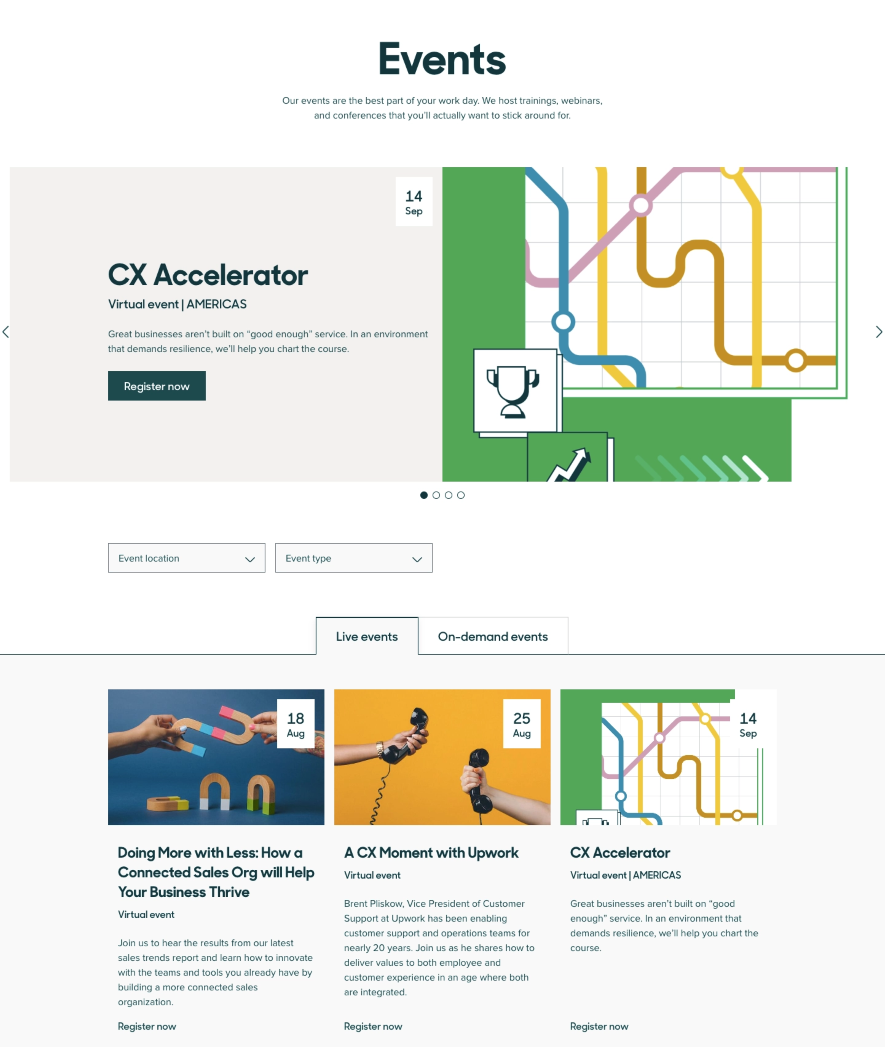
Fantastic! The user has decided to purchase your product. Now we must onboard the user. In this strategy we are providing a ‘concierge’ onboarding. Or in simple terms a ‘hands-on’ onboarding call.
- Positives: The onboarding process directly addresses the client’s business goals. It is easier for the CST to direct solutions to the user. During the call you can educate and provide support in product configuration. Meanwhile we create relationships and build trust which can help you understand their buying intent for future upsells.
- Negatives: Often requires the same individual to get involved with the account each time as it is difficult to retrain another CSM to absorb all previous context. It is a process that has many steps and can increase the cost of keeping each client. You create the expectation that a client will rely on support rather than the product provided materials themselves.
Mapping Out the Customer Journey (Hands-off)
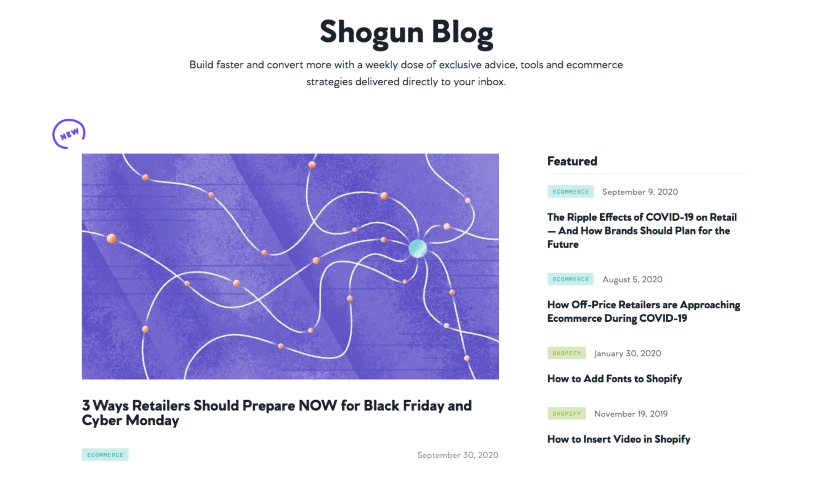
Blogs are materials that are always available for potential customers to gain awareness of your product.
- Positives: Builds awareness of the product. Posts can demonstrate how your solution can solve a specific problem and you can use blogs to promote new and more expensive features.
- Negatives: Lacks a personal touch. It is not a hub of information on its own and its easy to make the blog page focused too much on sales and generating marketing leads, rather than educating existing customers.
We need to influence the decision for a user to purchase our product. Let us say that they have signed up for more information or a free trial. Now that we have their relevant information, we can send our users an onboarding email.
- Positives: You can support clients and keep them on an education pathway with automated email journey builders. This can also shorten the time to value road, by allowing you to highlight and focus on the most important product features and releases.
- Negatives: The email content must be interesting and valuable to the reader, otherwise they will become valueless to the customer and read time probability will decrease. Emails can land into spam and if designed poorly, they can become genuine spam for the user.
Great the user loves our product and they are paying a monthly fee for it! Now let us onboard them with product bumpers.
- Positives: It can reduce the time of delivering product value to users and their discovery of the desired ‘aha moment.’ They are a permanent part of the product experience, and if designed well they are useful to everyone; catering to a wide range of user technical ability.
- Negatives: If not throughout well they can become more of a hinderance to the experience. They are not a required piece of the education process, and if designed poorly can result in churn.
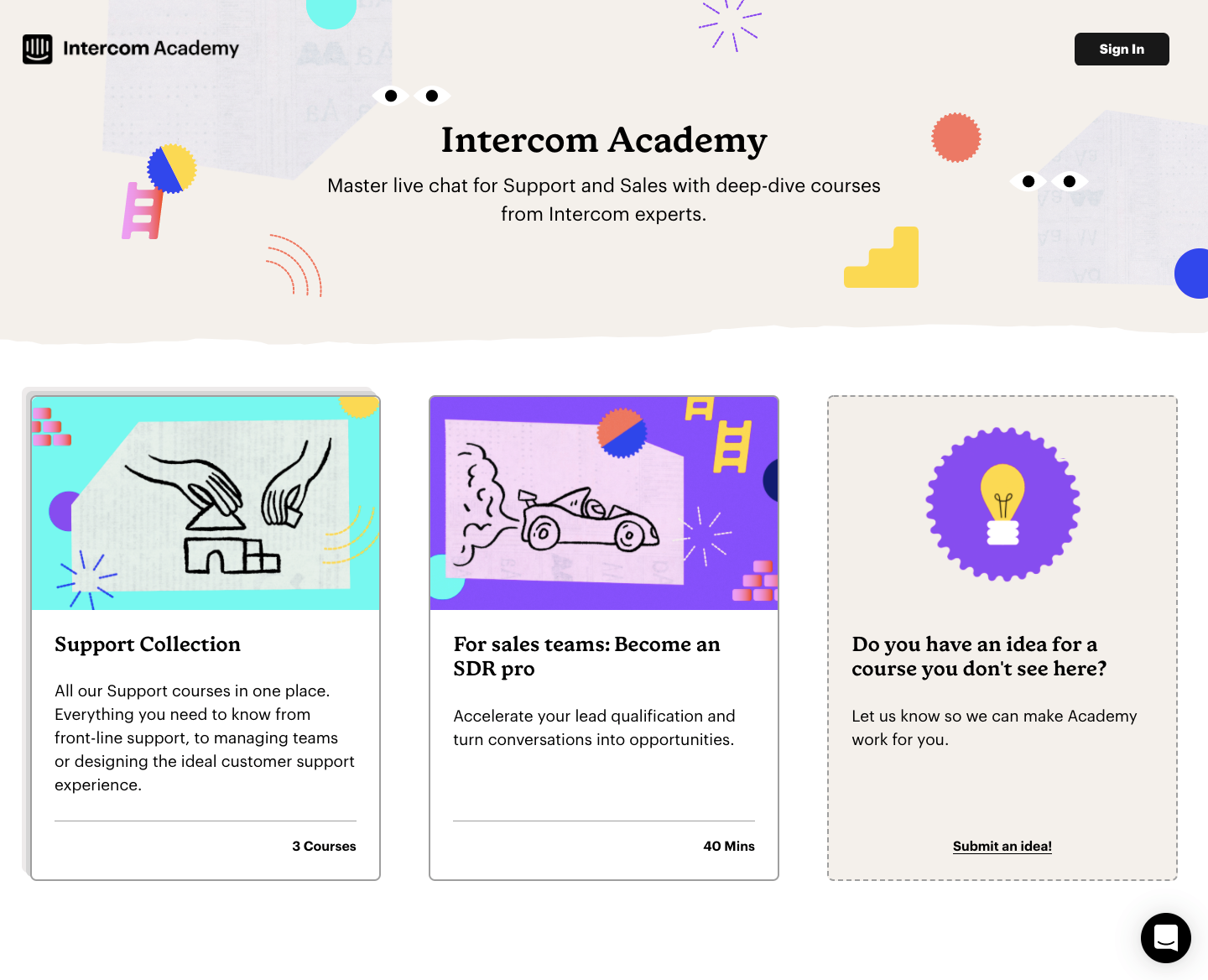
In the same vein, we can also onboard users with our academy. If well organised and integrated into the product, companies report overwhelmingly positive engagement.
- Positives: A single hub of information containing tutorials and videos. It does not require constant human interaction. With statistics you can observe what features or functions most users are interested in. You can also go an extra step forward and create a certification system to boost interaction and commitment from users to the product.
- Negatives: It is very difficult to manage and update all the articles if your product undergoes major UI exchanges. It is also complicated to create a multi-language academy. The academy needs to be maintained and supported.
Lastly, we need to support the user in their usage of the product. In order to accomplish this goal, we can set up a help centre.
- Positives: This is a dedicated place to provide technical support. The CST can also guide users through each path of the customer journey by providing the relevant materials. You can also share support materials directly with the user.
- Negatives: Difficult to measure the direct influence that a help centre has on the customer journey. Focusing too much on configuration can frustrate advanced users and see lower use.
Product Bumpers
I wanted to write a small paragraph on product bumpers since they are not too often discussed in the Customer Success space. Product bumpers can take a variety of shapes from welcome messages, product tips, or feature instructions. They are a great tool that can introduce new users to the product, or even introduce newly launched features.
One form of product bumpers are tool tips (hotspots or beacons), which can also be utilised to highlight elements of the product that are worth paying attention to during a specific moment in the product workflow.

Checklists can also be created to help users learn and identify what aspects of the product they have not yet tried. Checklists help users get the most out of the product and guide users via the onboarding process. They can take the form of a literal list with a check mark that automatically or manually checks once a task has been completed. We can also display this information in the form of a progress bar that will visually show users their progress in completing the onboarding program.
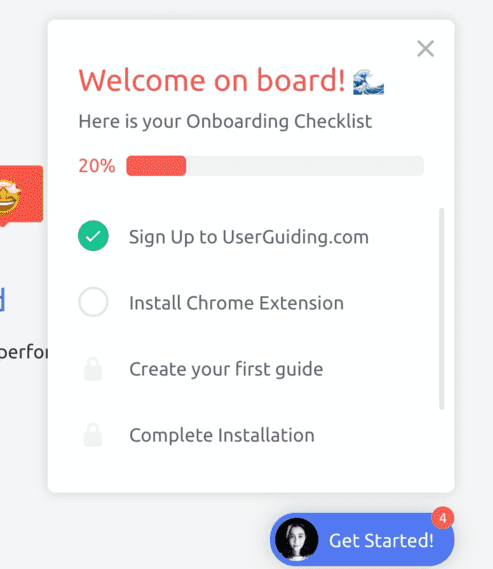
Product bumpers can be designed to act as a ‘product tour’ guiding users step by step through a feature and can highlight where users can potentially find additional value from the product. A product tour can be useful for novice users, but for some can become distracting/frustrating as they block self-discovery.
Final Thoughts
Above I have presented two types of customer journeys that can be created to onboard your users. Both journeys have their pros and cons and certainly you can experiment by mixing and matching the approaches. During the customer journey you should consider ways of implementing surveys or feedback points to get an understanding of what your users think of your product. Likewise setting up reporting metrics to assess how your clients are using your product. These are important as they can have a profound effect on optimising your customer journey flows. Setting up metrics is another post on its own, but right away I would recommend that the CST set agreeable benchmarks, and segment your customers by verticals.
Out of the customer journey, it is great to have a hands-on approach. But if you want to scale your organisation, building out your self-service model is crucial for a fast growth company.